The world of digital entertainment has been revolutionized by IPTV, offering a vast array of live channels, on-demand content, and a flexible viewing experience. However, to truly enjoy the benefits of IPTV, understanding its core playback features is crucial. This guide delves deep into the essential iptv playback features that ensure a seamless and enjoyable streaming journey. From ensuring smooth video quality and avoiding frustrating buffering to navigating channel guides and accessing your favorite shows, mastering these features will elevate your IPTV experience from good to great. Whether you’re a seasoned IPTV user or just starting out, this comprehensive look at playback functionalities will equip you with the knowledge to make the most of your subscription.
Understanding the Core of IPTV Playback
At its heart, IPTV (Internet Protocol Television) delivers video content over the internet. This fundamental difference from traditional cable or satellite broadcasting means that the quality and consistency of your stream depend heavily on your internet connection and the technologies that manage the data flow. The features that govern how this content is delivered and presented on your screen are what we refer to as IPTV playback features. These aren’t just about watching; they encompass everything from the initial connection to the final frame you see.
Smooth Streaming and Buffering Solutions
One of the most common frustrations for any streamer is buffering – that dreaded spinning wheel that interrupts your viewing pleasure. Smooth streaming is the direct opposite, characterized by uninterrupted playback, consistent frame rates, and high-quality video. This is achieved through several mechanisms:
- Adaptive Bitrate Streaming (ABS): Most modern IPTV services utilize ABS. This technology dynamically adjusts the video quality based on your internet speed and device capabilities in real-time. If your connection fluctuates, ABS will reduce the bitrate to prevent buffering, and then increase it again when your speed improves. This ensures you always get the best possible stream without interruption.
- CDN Integration: Content Delivery Networks (CDNs) are distributed networks of servers that store copies of the content closer to the end-user. When you request a stream, it’s delivered from a server geographically nearer to you, reducing latency and improving stream stability.
- Server Optimization: A premium IPTV provider like IPTVDIGI invests heavily in optimizing its servers and network infrastructure. This includes high-bandwidth connections, efficient encoding of streams, and robust load balancing to handle numerous simultaneous users without compromising performance. For those experiencing persistent issues, exploring iptv buffering solutions is key.
Video and Audio Quality Standards
The visual and auditory experience is paramount. IPTV playback features dictate the quality you can expect.
- Resolution: IPTV services offer content in various resolutions, commonly including Standard Definition (SD), High Definition (HD), Full HD (1080p), and Ultra High Definition (4K). The availability of higher resolutions depends on the provider and the content itself. IPTVDIGI is committed to providing high-quality streaming, often delivering in 4K where available.
- Frame Rate (FPS): The number of frames displayed per second significantly impacts the smoothness of motion. While 24 or 30 FPS is standard for movies, sports often benefit from higher frame rates (e.g., 50 or 60 FPS) for more fluid on-screen action.
- Audio Formats: Support for various audio codecs (like AAC, AC3, Dolby Digital Plus) and multi-channel audio (e.g., 5.1 surround sound) enhances the immersion. A good IPTV service ensures audio is synchronized with video and delivered with clarity.

Electronic Program Guide (EPG) Functionality
The EPG is your interactive TV guide, a critical feature for navigating live channels. It provides detailed information about what’s currently airing and what’s coming up.
- Channel Listings: A comprehensive EPG displays all available live channels with their current program titles.
- Program Schedules: Users can typically view schedules for hours, sometimes days, in advance. This allows for planning viewing sessions and discovering new content.
- On-Demand Information: For Video on Demand (VOD) content like movies and series, the EPG might also provide synopses, cast information, and ratings.
- Integration: The best EPGs are seamlessly integrated into the IPTV player app, allowing you to select a program and tune into the channel directly from the guide. IPTVDIGI supports EPG functionality for a user-friendly experience.
Catch-Up TV and Timeshift Features
For those who can’t watch live content exactly when it airs, catch-up TV and timeshift features are invaluable.
- Catch-Up TV: This feature allows you to watch programs that have already aired within a specific timeframe (e.g., the last 7 days). It’s like having a personal VOD library for live channels. The availability and duration of catch-up depend on the provider.
- Timeshift: This allows you to pause, rewind, and fast-forward live TV as if you were watching a recording. This is incredibly useful if you need to step away briefly or want to rewatch a specific moment.
Advanced Playback Features for Enhanced Viewing
Beyond the foundational elements, several advanced playback features can significantly enhance your IPTV experience. These often distinguish premium services from standard offerings.
Multi-Device Compatibility and Simultaneous Streams
The flexibility of IPTV means you can often watch on multiple devices. Playback features extend to how these devices are supported.
- Device Support: A truly versatile IPTV service will work across a wide range of devices, including Smart TVs (Samsung, LG, Android TV), streaming sticks (Amazon Firestick, Nvidia Shield), smartphones and tablets (iOS, Android), computers (Windows, macOS), and set-top boxes (Formuler, MAG devices). IPTVDIGI boasts broad device compatibility, catering to virtually any viewing setup.
- Simultaneous Connections: Most IPTV subscriptions allow for multiple simultaneous streams, but the number varies by plan. You might purchase a plan for 1, 2, 3, or even more simultaneous connections, allowing different family members to watch different channels on different devices at the same time.
Parental Controls and Content Filtering
For families, robust parental control features are essential for managing what younger viewers can access.
- Age Restrictions: The ability to set age ratings for content ensures that children are not exposed to inappropriate material.
- PIN Protection: Locking specific channels or VOD categories with a PIN code provides an extra layer of security.
Picture-in-Picture (PiP) and Multi-View
These features cater to users who like to keep an eye on multiple events or channels simultaneously.
- Picture-in-Picture: Allows you to watch one channel in a small, movable window while browsing other channels or using other apps on your device.
- Multi-View: Some advanced players and services offer a split-screen view, enabling you to watch several live channels at once on a single screen. This is particularly popular for sports fans who want to follow multiple games simultaneously.
Optimizing Your Playback Experience with IPTVDIGI
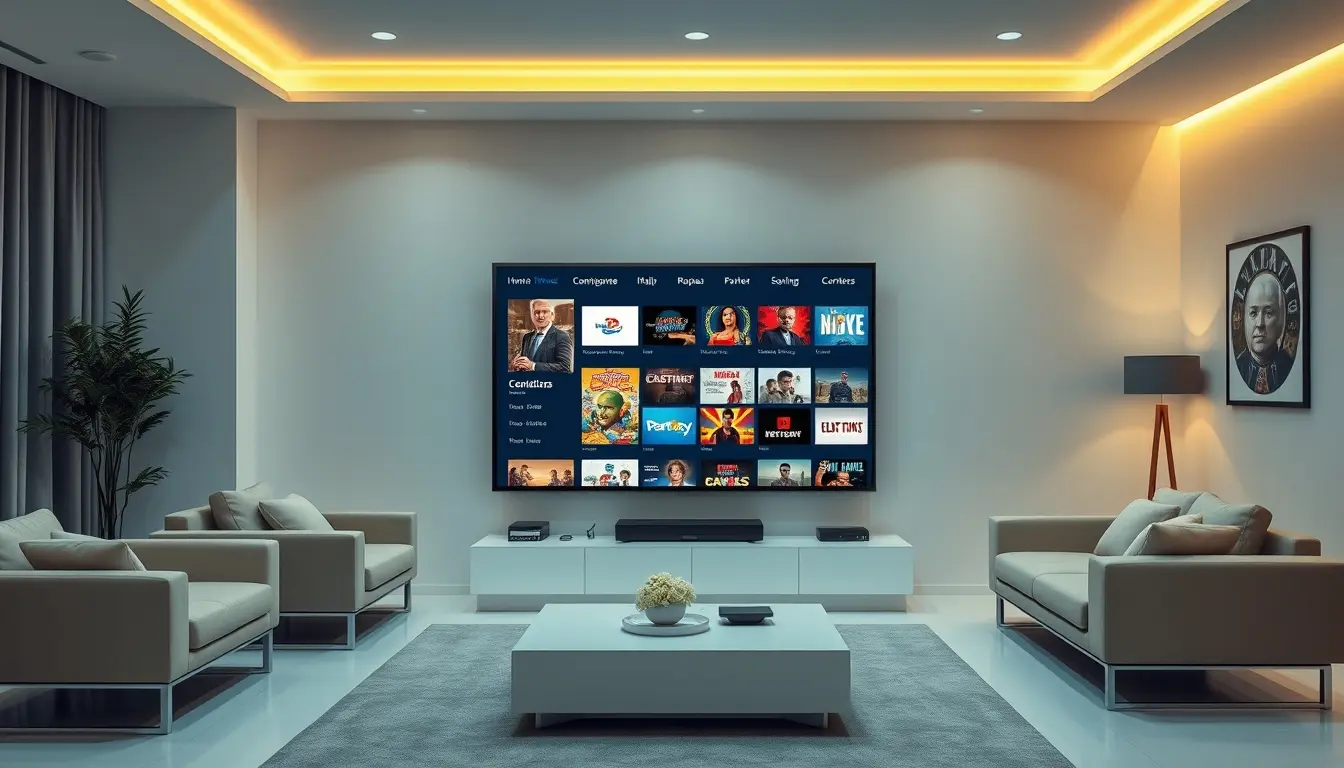
When selecting an IPTV provider, understanding how their playback features align with your needs is paramount. A premium service like IPTVDIGI focuses on delivering a consistently smooth, high-quality, and user-friendly viewing experience.
Commitment to Stable Streaming
IPTVDIGI’s core promise revolves around reliable IPTV subscriptions for smooth streaming. This commitment is evident in their investment in robust server infrastructure, advanced anti-freeze technology, and continuous network optimization. The result is a viewing experience that minimizes buffering and maximizes enjoyment.
Fast Activation and Responsive Support
Beyond the playback features themselves, the service surrounding them is crucial. IPTVDIGI emphasizes fast activation, ensuring you can start streaming quickly after subscribing. Furthermore, their 24/7 customer support is readily available to assist with any setup, playback, or technical queries, ensuring that any issues are resolved promptly. This comprehensive approach to service is what sets premium providers apart.
Broad Device Compatibility and Content Access
IPTVDIGI ensures its service is accessible across a wide spectrum of devices, including Smart TVs, Firestick, Android devices, smartphones, tablets, Windows, and Mac. This multi-device compatibility means you can enjoy their extensive library of over 21,000 live TV channels and more than 190,000 films and series on whichever platform suits you best. Whether you’re after live sports, movies, or series, the playback features are designed to deliver them without compromise.
Troubleshooting Common Playback Issues
Even with the best providers and advanced features, occasional playback issues can arise. Understanding common problems and their solutions can save you a lot of frustration.
Slow Internet Speeds
- Cause: Your internet connection is not fast enough to handle the stream’s bitrate.
- Solution:
* Restart your router and modem.
* Check your internet speed using online speed test tools. If it’s consistently below the recommended speed for your desired quality (e.g., 25 Mbps for 4K), contact your Internet Service Provider (ISP).
* Reduce the number of devices using your internet simultaneously.
* Connect your streaming device via Ethernet cable instead of Wi-Fi for a more stable connection.
* Consider upgrading your internet plan.
App or Device Glitches
- Cause: Issues with the IPTV player app or the device itself.
- Solution:
* Close and re-open the IPTV app.
* Clear the app’s cache and data (found in your device’s app settings).
* Update the IPTV app to the latest version.
* Restart your streaming device.
* Uninstall and reinstall the IPTV app.
* Ensure your device’s firmware is up to date.
Incorrect Settings
- Cause: Incorrect configurations within the IPTV app or device.
- Solution:
* Double-check your login credentials (username, password, portal URL) entered into the IPTV player.
* Ensure your subscription is active and hasn’t expired.
* If using a VPN, try disabling it, as some VPNs can interfere with streaming. Conversely, if geo-blocking is an issue, a VPN might help, but ensure it’s optimized for streaming.
Server-Side Problems
- Cause: Issues with the IPTV provider’s servers.
- Solution:
* Check the provider’s website or social media for any announced service outages.
* Contact the provider’s customer support to inquire about server status. A responsive provider like IPTVDIGI usually resolves these quickly.

Choosing the Right IPTV Service for Optimal Playback
The success of your IPTV experience hinges on selecting a provider that excels in essential playback features. While many services claim to offer a premium experience, few consistently deliver the stability, quality, and support that users demand.
When evaluating providers, prioritize those that clearly articulate their commitment to smooth streaming, high-quality video (including 4K options), minimal buffering, and reliable EPG functionality. The ability to access content across multiple devices without hassle is also a significant advantage. Services like IPTVDIGI stand out by focusing on these core aspects, ensuring that their infrastructure and technology are geared towards delivering an uninterrupted and high-definition viewing experience. They understand that without excellent playback features, even the most extensive channel list becomes irrelevant. For those seeking a premium viewing experience, looking at services that offer comprehensive features and a solid track record is essential. It’s about more than just having access to channels; it’s about how seamlessly and enjoyably you can watch them. learn more here about what constitutes a premium IPTV subscription.
Frequently Asked Questions
### What is the most important IPTV playback feature for smooth streaming?
The most crucial playback feature for smooth streaming is Adaptive Bitrate Streaming (ABS). It allows the IPTV player to dynamically adjust the video quality based on your internet connection’s speed, preventing buffering and ensuring continuous playback.
### Can I watch IPTV on multiple devices simultaneously?
Yes, most IPTV services, including IPTVDIGI, offer plans that allow for multiple simultaneous connections. The number of simultaneous streams you can use typically varies by subscription plan.
### What is the difference between Catch-Up TV and Timeshift?
Catch-Up TV allows you to watch programs that have already aired on live channels within a specified period (e.g., the last 7 days). Timeshift allows you to pause, rewind, and fast-forward live TV as it is being broadcast.