Navigating the vast world of IPTV can sometimes feel like searching for a needle in a digital haystack. With so many services and platforms available, choosing the right tools can significantly impact your viewing experience. Among these essential tools, an effective IPTV player is paramount, and the concept of an iptv cloud player is gaining considerable traction. These players offer a streamlined, often cross-device compatible, way to manage and stream your IPTV subscriptions. They aim to simplify access to live TV channels, VOD libraries, and catch-up features, all without the need for complex setup on individual devices. The ideal cloud player should offer a stable interface, easy navigation, support for various IPTV formats, and compatibility with your preferred devices, ensuring a smooth, buffer-free entertainment experience.
The Rise of Cloud-Based IPTV Solutions
The evolution of digital entertainment has seen a significant shift towards cloud-based services. This trend hasn’t bypassed the IPTV sector. Traditional IPTV relied heavily on specific box hardware or complex app configurations. However, cloud IPTV players are changing this paradigm by offering a more accessible and versatile solution. They essentially act as a bridge, allowing users to access their IPTV service from virtually anywhere with an internet connection, across multiple devices, without the hassle of reinstalling or reconfiguring every time they switch. This flexibility is a major draw for users who enjoy streaming on different devices, from smart TVs and Android boxes to smartphones and tablets.
This shift towards cloud players is driven by several factors:
- Device Agnosticism: The ability to access your IPTV service on any compatible device without dedicated apps for each.
- Simplified Management: Centralized playlist management and settings that sync across devices.
- Enhanced User Experience: Often, cloud players offer more intuitive interfaces and advanced features compared to basic players.
- Reliability: Many modern players are built with robust infrastructure to ensure stable streaming.
What Exactly is an IPTV Cloud Player?
An IPTV cloud player is a software application or platform designed to access and stream IPTV content from the internet. Unlike traditional IPTV services that might require specific receivers or PC-based players, cloud players leverage cloud computing to offer a more flexible and unified experience. They typically use protocols like M3U or Xtream Codes API to connect to an IPTV provider’s server, fetching live TV channels, Video on Demand (VOD) content, series, and Electronic Program Guides (EPG). The “cloud” aspect often refers to the player’s ability to store your subscription details, playlists, and settings in the cloud, allowing seamless access from multiple devices. You can log in with your IPTV credentials, and the player fetches the content, making it feel like a personalized IPTV portal. For users seeking a versatile cloud iptv app, the options are growing, with many providers and third-party developers offering robust solutions.
The core functionality of an IPTV cloud player includes:
- Playlist Loading: Supporting various playlist formats (M3U, Xtream Codes).
- EPG Integration: Displaying program schedules for live TV channels.
- VOD Library Access: Browsing and streaming movies and series.
- Multi-Device Support: Compatibility across smart TVs, streaming sticks, smartphones, tablets, and computers.
- User-Friendly Interface: Simple navigation and content discovery.

Key Features to Look for in an IPTV Cloud Player
When evaluating IPTV cloud players, several features are crucial for a superior streaming experience. A provider like IPTVDIGI, known for its premium IPTV subscription services, emphasizes smooth streaming and broad device compatibility, which are directly supported by the choice of player.
Stability and Performance
This is arguably the most critical feature. A cloud player must offer stable playback, minimizing buffering and freezing. This often comes down to efficient code, optimized server connections, and robust anti-freeze technology. IPTVDIGI’s core promise of reliable IPTV subscriptions for smooth streaming is built upon the foundation of high-performing players.
Device Compatibility
The best cloud players work across a wide range of devices. Whether you’re using a:
- Smart TV (Samsung, LG, Android TV)
- Streaming device (Amazon Firestick, Nvidia Shield)
- Mobile device (Android smartphone/tablet, iPhone/iPad)
- Computer (Windows, macOS)
- Or specialized IPTV boxes (like Formuler devices)
The player should offer a consistent experience and easy installation. IPTVDIGI highlights its compatibility with all these platforms, making it accessible to a broad user base.
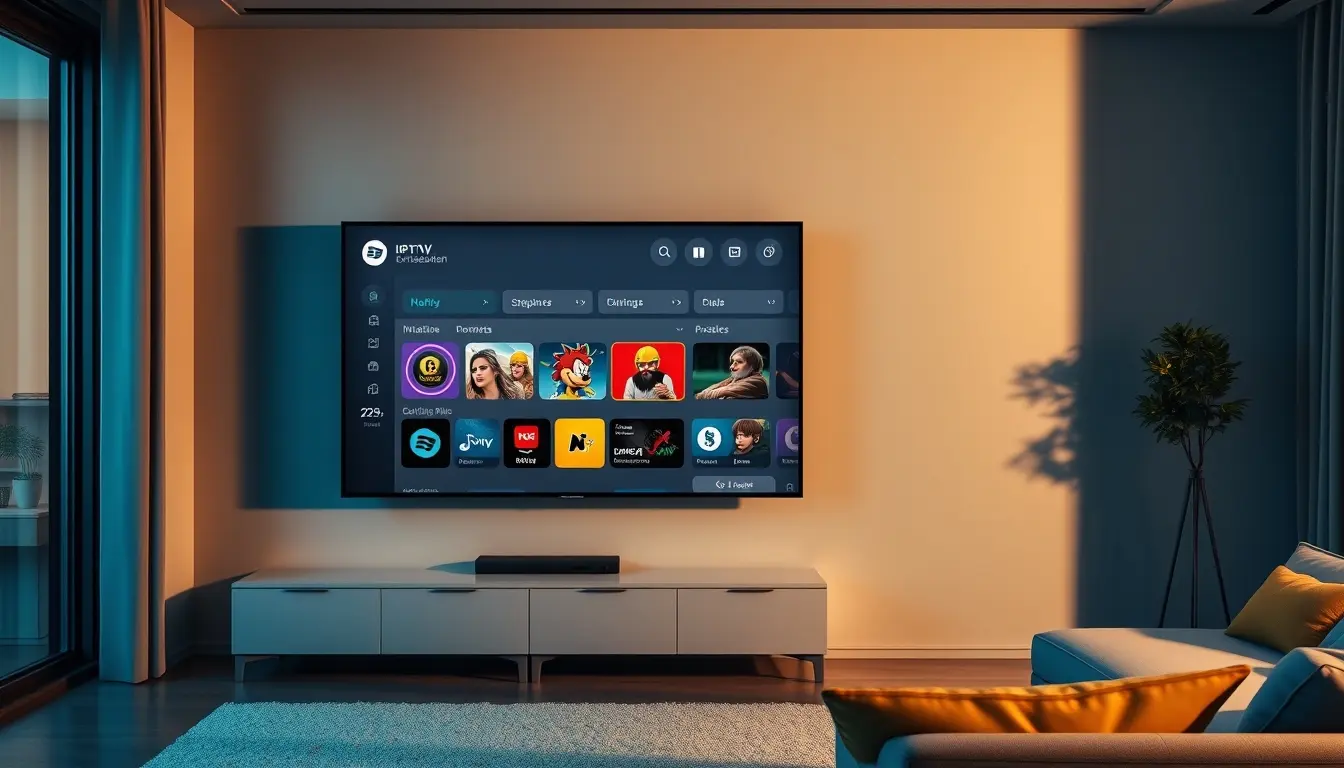
User Interface (UI) and User Experience (UX)
An intuitive and easy-to-navigate interface is essential. Finding channels, VOD content, and accessing settings should be straightforward. Look for players that offer:
- Clear channel categorization.
- Easy-to-read EPG.
- Simple search functionality.
- Customizable options (e.g., theme, language).
Content Support
The player should reliably support the content formats offered by your IPTV provider. This includes:
- Live TV channels.
- Video on Demand (VOD).
- Series.
- EPG data.
- Catch-up TV features where available.
Players that support a high number of channels and a vast VOD library, like the extensive offerings from IPTVDIGI with over 21,000 channels and 190,000+ films and series, enhance the overall value.
Connectivity Options
Cloud players typically support the Xtream Codes API, which allows for direct login with a username, password, and server URL. Some may also support M3U playlists, offering flexibility depending on how your IPTV provider delivers their service.
Extra Features
Consider features like:
- Parental controls.
- Picture-in-Picture (PiP).
- Recording capabilities (if supported by the provider and player).
- Multi-language support.
- Regular updates to ensure compatibility and feature enhancements.
Top IPTV Cloud Player Options
While many IPTV providers offer their own native apps or recommend specific players, a true cloud player often provides a more universal solution. Here are some of the top contenders that offer a robust experience for managing your IPTV streams.
IPTVDIGI Player (as part of the IPTVDIGI Ecosystem)
While IPTVDIGI focuses on providing a premium, reliable IPTV subscription, their service is designed to work seamlessly with a variety of players, including those that function as cloud-based solutions. The emphasis on smooth streaming, fast activation, and broad device compatibility means that when you choose IPTVDIGI, you’re choosing a service built to work flawlessly with the best tools available. They aim to provide a premium viewing experience with support for high-quality streaming, including 4K, and employ anti-freeze technology. Their service is accessible across a wide range of devices, from Android and iOS to smart TVs and streaming boxes. The quick activation process means users can start enjoying their subscription with minimal delay. For users looking for a premium, stable IPTV experience that integrates well with top-tier playback solutions, IPTVDIGI is an excellent choice.
TiviMate (Premium IPTV Player)
TiviMate is a highly regarded IPTV player for Android TV and Google TV devices. While not strictly a “cloud” player in the sense of syncing settings across all platforms, it excels as a powerful client application that connects to your IPTV service. It offers a premium interface, extensive customization options, and a smooth user experience, closely replicating the look and feel of traditional TV guides.
- Pros: Fantastic EPG interface, excellent channel management, recording capabilities, customizable appearance, supports Xtream Codes and M3U playlists.
- Cons: Primarily for Android TV/Google TV, premium features require a one-time purchase.
- Ideal for: Users with Android TV or Google TV who want a polished, TV-like experience.
IPTV Smarters Pro
IPTV Smarters Pro is one of the most popular IPTV players available across multiple platforms, including Android, iOS, Firestick, Windows, and macOS. It functions brilliantly as a cloud-based solution due to its ability to store login credentials and playlists securely, allowing synchronized access. It supports Xtream Codes API and M3U playlists, making it compatible with a vast majority of IPTV providers.
- Pros: Wide device compatibility, user-friendly interface, supports live TV, VOD, and series with EPG, built-in player, parental controls.
- Cons: The free version can sometimes have limitations; some find the interface slightly less refined than TiviMate.
- Ideal for: Users who need a versatile player that works across many devices and want an all-in-one solution.
Perfect Player
Perfect Player is another strong contender, particularly for Android devices and Windows. It’s known for its customizability and ability to integrate well with various IPTV providers. While it doesn’t offer cross-device cloud syncing in the same way as some integrated provider solutions, it’s a powerful standalone client that many users prefer for its performance and features.
- Pros: Highly customizable, supports Xtream Codes API and M3U playlists, good EPG integration, decent VOD support.
- Cons: Interface might be considered less modern by some users, primarily focused on Android and Windows.
- Ideal for: Users who prioritize customization and have specific needs for their playback experience on Android or PC.
GSE Smart IPTV
GSE Smart IPTV is a widely used application available on both iOS and Android platforms. It supports M3U playlists and can also integrate with Xtream Codes API. It’s a solid choice for users who want a straightforward player that gets the job done without excessive bells and whistles, offering reliable streaming for live TV and VOD content.
- Pros: Available on both major mobile platforms, supports various playlist formats, straightforward to use.
- Cons: The UI is functional but less visually appealing than premium players, may lack some advanced customization options.
- Ideal for: Mobile users looking for a reliable and easy-to-install IPTV player.
Choosing the Right IPTV Cloud Player for Your IPTVDIGI Subscription
When using a premium service like IPTVDIGI, the player you choose should complement its strengths. IPTVDIGI’s focus on smooth streaming and ease of use means it pairs well with players that offer similar qualities.
- For Android TV/Google TV users: TiviMate, with its premium interface and EPG, offers an unparalleled experience that aligns with IPTVDIGI’s commitment to a high-quality viewing experience.
- For multi-device users: IPTV Smarters Pro is often the go-to choice. Its broad compatibility ensures you can enjoy IPTVDIGI’s service on your phone, tablet, Firestick, and computer with consistent performance.
- For a simple, cross-platform solution: While not a dedicated “cloud player” app itself, many users find that by using IPTV Smarters Pro or similar apps on all their devices, they achieve a “cloud” effect, as their subscription details are easily inputted and accessed on each platform.
It’s important to remember that the IPTV provider also plays a pivotal role. IPTVDIGI’s reliable infrastructure, fast activation, and continuous updates ensure that whichever player you select, the underlying service will be stable and high-performing. When you’re looking for a cloud iptv app, ensure it supports your provider’s connection methods, typically Xtream Codes or M3U.

Setting Up Your IPTV Cloud Player
The setup process for most IPTV cloud players is remarkably similar, especially when connecting to a service like IPTVDIGI which offers fast activation and clear access details.
Step 1: Obtain Your IPTV Credentials
After subscribing to a service like IPTVDIGI, you will receive your login details. These typically include:
- Username
- Password
- Server URL (often referred to as Host or Portal URL)
This information is essential for logging into the player. IPTVDIGI ensures these details are provided swiftly after subscription for a quick start.
Step 2: Install the IPTV Cloud Player
Download and install your chosen player onto your device.
- For Android TV/Firestick: Search for the app in the Google Play Store or Amazon Appstore. If it’s not directly available, you might need to sideload it using tools like Downloader.
- For Smartphones/Tablets: Download from the Google Play Store or Apple App Store.
- For Windows/macOS: Download the desktop application from the official developer’s website.
Step 3: Configure the Player
Launch the player and navigate to the setup or login section.
- Choose Connection Type: Select “Xtream Codes API” or “Login with API”. Some players also offer “M3U Playlist URL” or “Load Playlist from File”. For most modern services including IPTVDIGI, Xtream Codes API is the preferred and more feature-rich option.
- Enter Credentials: Input the Username, Password, and Server URL provided by your IPTV service.
- Save and Connect: Save your details. The player will then attempt to connect to the server and load your available content.
Step 4: Explore and Stream
Once connected, the player will typically display your live TV channels, VOD library, and EPG. You can now browse the content, set up favorites, and start streaming. The ease of this setup is a testament to how modern IPTV services and players work together for a seamless user experience. For those looking to understand how to enhance their streaming experience further, you can learn more here about premium IPTV subscriptions and access.
When to Consider a Dedicated IPTV Cloud Player
While many IPTV subscriptions come with their own apps or recommended players, there are specific scenarios where investing in a dedicated cloud player, or a premium client like TiviMate or IPTV Smarters, offers distinct advantages.
- Cross-Device Syncing Needs: If you frequently switch between devices and want a consistent experience without reconfiguring each time, a player that stores your settings in the cloud is ideal.
- Superior User Interface: If the default player offered by your provider feels clunky, outdated, or lacks features, a dedicated player can dramatically improve usability.
- Advanced Features: If you need specific functionalities like advanced EPG features, recording capabilities, parental controls, or Picture-in-Picture, a dedicated player will likely offer more robust support.
- Accessing Multiple IPTV Services: If you subscribe to more than one IPTV service, a versatile player like IPTV Smarters Pro allows you to manage multiple accounts from a single interface.
- Optimizing Playback Quality: Some players are optimized for specific hardware or streaming protocols, potentially leading to smoother playback, especially with high-bitrate 4K streams, which IPTVDIGI is known to provide.
For users seeking a reliable provider that minimizes playback issues and ensures fast setup, exploring services that are well-integrated with leading players is key. If you’re looking for additional insights into finding dependable IPTV providers, consulting an additional resource can be very helpful.
Conclusion: The Future of IPTV Playback
Cloud-based IPTV players represent a significant leap forward in how we access and enjoy digital entertainment. They offer flexibility, ease of use, and a consistent experience across multiple devices, making IPTV more accessible than ever before. For users who prioritize smooth streaming, reliable performance, and broad compatibility, choosing a top-tier IPTV service like IPTVDIGI, and pairing it with a capable player such as IPTV Smarters Pro or TiviMate, is the optimal strategy.
IPTVDIGI’s commitment to providing high-quality, stable IPTV subscriptions means that you get the best content delivered through a robust infrastructure, designed for seamless playback. Their fast activation and responsive 24/7 customer support further enhance the premium experience. Whether you’re streaming live sports, catching up on the latest series, or enjoying movies on demand, the right player coupled with a dependable provider like IPTVDIGI ensures your entertainment is always on point, buffer-free, and readily available across all your favorite devices.
Frequently Asked Questions
### What is the difference between a cloud IPTV player and a regular IPTV app?
A regular IPTV app is often specific to a particular device or operating system, and may be developed by the IPTV provider themselves. A cloud IPTV player, while also an app, often leverages cloud technology to sync settings, playlists, and user preferences across multiple devices and platforms. It acts as a more universal client that connects to various IPTV services using standard protocols like Xtream Codes API or M3U URLs, providing a consistent experience regardless of the device.
### Can I use a cloud IPTV player with any IPTV subscription?
Yes, generally. Most reputable cloud IPTV players support industry-standard protocols like Xtream Codes API and M3U playlists. As long as your IPTV provider offers their service through one of these methods, your subscription should be compatible with most popular cloud IPTV players. Always check your provider’s documentation for recommended connection methods.
### Are cloud IPTV players free?
Many cloud IPTV players offer a free version with core functionalities, but often include premium features or advanced options that require a one-time purchase or a subscription for access. For example, TiviMate offers basic functionality for free but requires a premium unlock for advanced features. Other players like IPTV Smarters Pro also have free and paid tiers. The IPTV subscription itself is separate from the cost of the player.
### What are the best devices for using a cloud IPTV player?
Cloud IPTV players are designed for versatility. They perform excellently on devices like Amazon Firestick, Android TV boxes (Nvidia Shield, Xiaomi Mi Box), Google TV, as well as smartphones and tablets running Android or iOS. They are also often available as desktop applications for Windows and macOS. Some players might offer better optimization for specific platforms, so checking compatibility is always recommended.
### How do I know if my IPTV provider is compatible with a specific cloud player?
The most common compatibility method is through the Xtream Codes API. If your IPTV provider gives you a username, password, and server URL, they likely support Xtream Codes. M3U URLs are another common method. Check your IPTV provider’s website, support documentation, or contact their customer service to confirm which protocols they support and ask for player recommendations.